WARDOGS throws 100 players across three teams into destructible, vehicle-heavy maps.
That kind of scale asks a lot of a PC, even before you touch graphics settings.
The good news: Steam’s minimum tier is built around hardware most players already own.
The catch: the gap between “it runs” and “it runs well” is wider than usual here.
The recommended tier asks for genuinely modern hardware to close that gap.
Here’s exactly what BULKHEAD and Steam list for both tiers, straight from the official requirements panel, plus what those numbers actually mean once you’re in a crowded Control Zone.
If you’re still deciding whether to buy in, see what WARDOGS actually is before checking whether your rig can run it.
Table of Contents
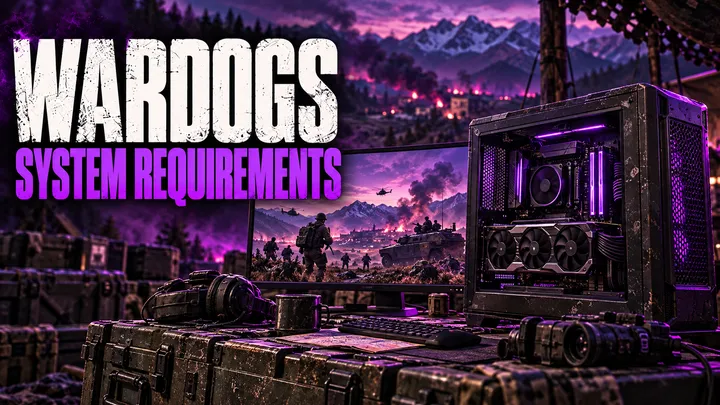
WARDOGS Minimum System Requirements
These are the official minimum specs listed on WARDOGS’ Steam store page.
- OS: Windows 10, 64-bit
- Processor: Intel Core i5 8600 or AMD Ryzen 5 3500
- Memory: 16 GB RAM
- Graphics: Nvidia GTX 1660 or AMD Radeon RX 590
- Network: Broadband internet connection
- Storage: 50 GB available space
- Performance target: 1080p Low at 60 fps, with upscaling enabled
That last line matters more than it looks.
Steam’s own additional notes specify this target is reached with upscaling - DLSS, FSR, or XeSS depending on your card, not native rendering.
The GTX 1660 and RX 590 are both several years old at this point.
Treat the minimum tier as “this will launch and run,” not “this will look or feel great” in a 100-player fight.
WARDOGS Recommended System Requirements
The recommended tier is a real jump, not a minor bump.
- OS: Windows 11, 64-bit
- Processor: Intel Core i7 12700K or AMD Ryzen 7 5700X
- Memory: 16 GB RAM
- Graphics: Nvidia RTX 3070 or AMD Radeon RX 6700 XT
- Network: Broadband internet connection
- Storage: 50 GB available space
- Performance target: 1440p Medium at 70+ fps native, or 4K Medium at 60+ fps with upscaling
Two things stand out here.
RAM doesn’t move.
Both tiers list 16 GB, so there’s no “you’ll want 32 GB for recommended” jump the way there is with CPU and GPU.
The recommended tier is the only one that hits a native resolution target.
The minimum tier leans on upscaling to reach its number.
The 1440p Medium recommended target does not, though the 4K option at this tier still uses upscaling to get there.
Minimum vs. Recommended: Quick Comparison
| Spec | Minimum | Recommended |
|---|---|---|
| OS | Windows 10 (64-bit) | Windows 11 (64-bit) |
| CPU | Intel i5 8600 / Ryzen 5 3500 | Intel i7 12700K / Ryzen 7 5700X |
| RAM | 16 GB | 16 GB |
| GPU | GTX 1660 / RX 590 | RTX 3070 / RX 6700 XT |
| Storage | 50 GB | 50 GB |
| Network | Broadband | Broadband |
| Target | 1080p Low @ 60 fps (upscaled) | 1440p Medium @ 70+ fps (native) or 4K Medium @ 60+ fps (upscaled) |
If your rig sits between these two tiers, expect frame rates and settings that land somewhere in between as well.
Steam doesn’t publish a “medium” tier.
There’s no official third data point to check against.
Anti-Cheat, EULA, and Storage Notes
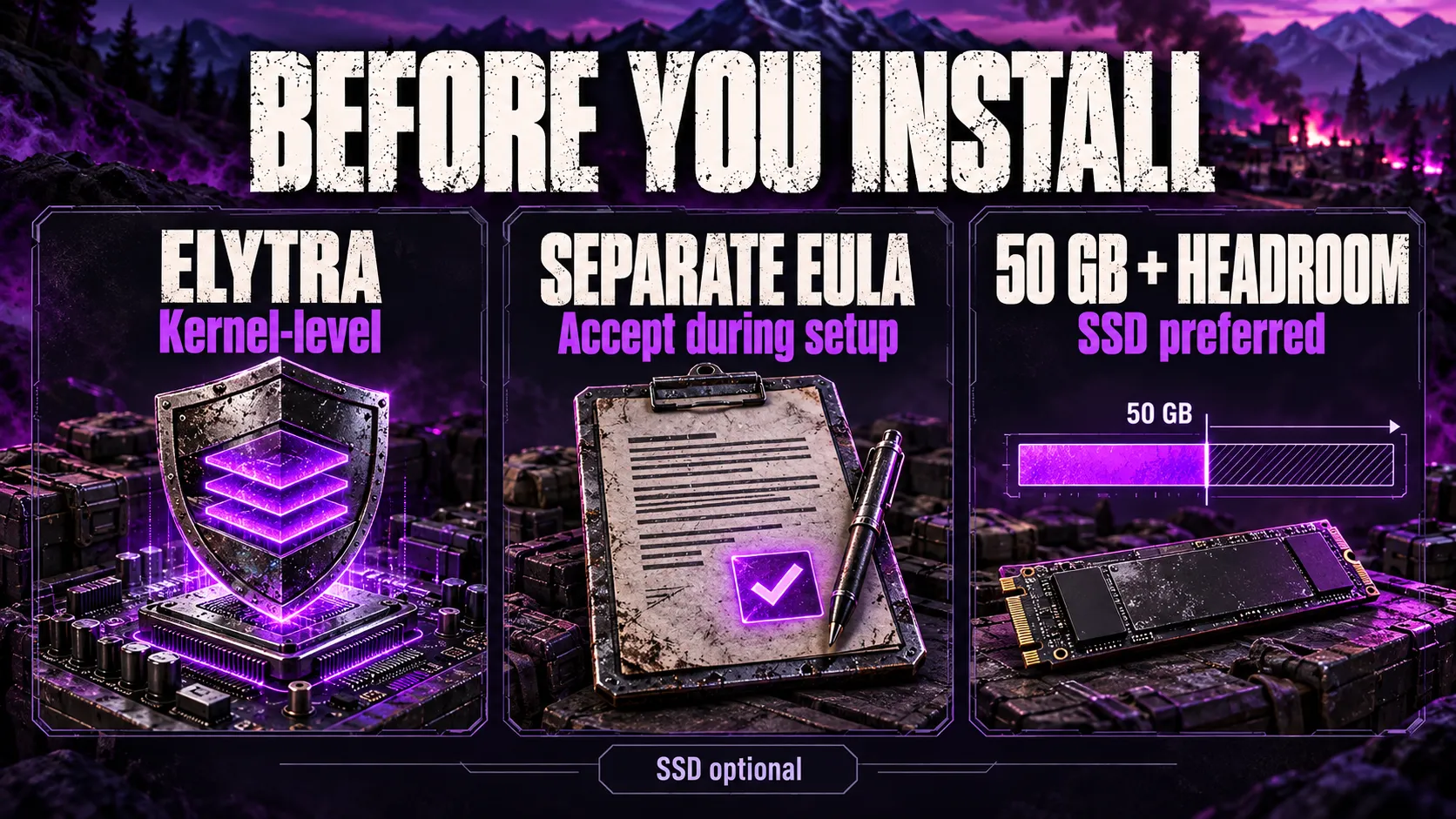
WARDOGS runs Elytra, a kernel-level anti-cheat, confirmed directly on its Steam store page.
Kernel-level access means the anti-cheat driver loads with elevated system privileges, which is standard for competitive shooters at this scale but worth knowing before you install.
You’ll be asked to accept a separate third-party EULA for Elytra during setup, on top of the standard Steam terms.
If Elytra or Steam blocks your login after that step, our access denied troubleshooting guide covers the most common fixes.
On storage, Steam lists 50 GB of available space for both tiers.
That figure covers the installed game, not the compressed download size or the space Steam needs to unpack and patch it.
Early Access games also grow.
BULKHEAD has confirmed plans to add maps, weapons, and vehicles over WARDOGS’ Early Access run, and each of those adds to the install size over time.
Practical rule: budget for meaningfully more than 50 GB free if you plan to keep the game installed long-term, and put it on an SSD if you have the option.
Nothing in the official listing requires an SSD.
But a 100-player map with destructible terrain and vehicle traffic streams a lot of data during a match, and a mechanical hard drive is the more likely place to feel that as stutter.
Will My PC Run WARDOGS?
A fast way to sanity-check your rig against the two tiers:
- GPU at or above a GTX 1660 / RX 590: you clear the minimum tier for graphics.
- GPU at or above an RTX 3070 / RX 6700 XT: you clear the recommended tier for graphics.
- CPU at or above an i5 8600 / Ryzen 5 3500: you clear the minimum tier for processing.
- CPU at or above an i7 12700K / Ryzen 7 5700X: you clear the recommended tier for processing.
- 16 GB of RAM: required either way. There’s no lower published tier.
- 50 GB free, ideally on an SSD: covers the install; leave headroom for updates.
If you land below the minimum GPU or CPU listed above, WARDOGS may still launch, since Steam’s minimum tier already assumes upscaling is doing part of the work.
But expect to drop settings further and accept a rougher frame-time experience than the published 60 fps target describes.
Operating System, Linux, and Steam Deck Support
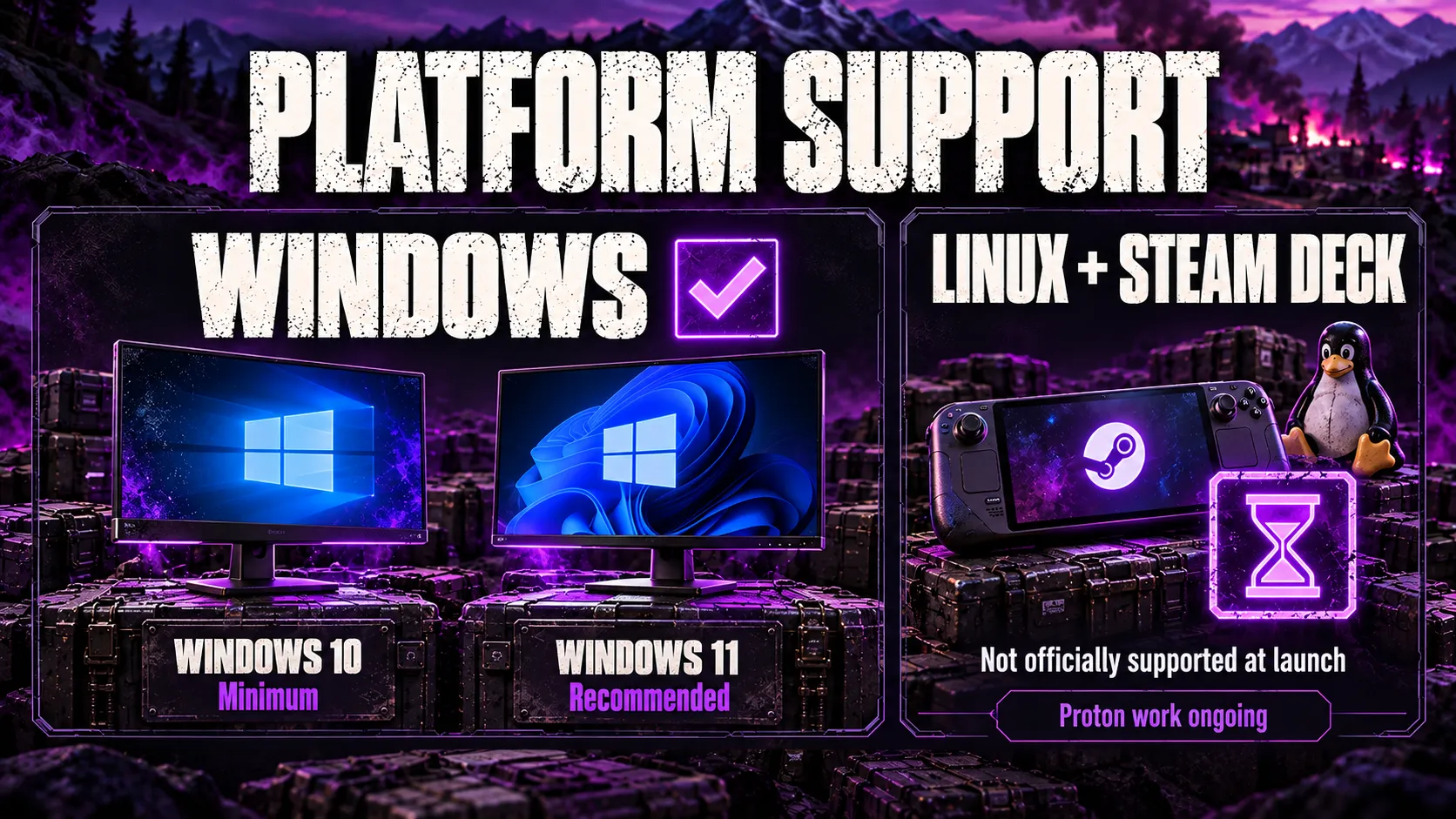
Windows is the only officially supported operating system, and the two tiers actually specify different Windows versions: Windows 10 for minimum, Windows 11 for recommended.
Linux and Steam Deck are not officially supported at launch.
BULKHEAD addressed this directly in a developer statement, saying it does not officially support Linux and cannot commit to support for the Early Access launch, while adding that Proton compatibility work is ongoing internally.
GamingOnLinux reported the statement in full, noting it was a clarification after an earlier, less precise comment from BULKHEAD’s community team caused some confusion about launch-day Linux support.
You can also follow WARDOGS’ own Steam Community discussions for the latest player and developer back-and-forth on this, since Proton and Steam Deck compatibility remain open questions rather than settled ones.
The practical read: kernel-level anti-cheat is usually the deciding factor for whether a Proton-compatible game earns a Steam Deck Verified badge, and WARDOGS hasn’t received one.
If Linux support matters to your purchase decision, treat it as unconfirmed rather than assumed, and check WARDOGS’ Steam page directly before buying.
Will Requirements Change During Early Access?
Possibly, and it’s worth planning around that rather than being surprised by it.
BULKHEAD has stated it expects WARDOGS to stay in Early Access for roughly one to two years, with maps, weapons, vehicle types, and progression systems planned throughout that window.
New content and engine changes can shift both the minimum and recommended specs in either direction.
That’s not hypothetical. BULKHEAD’s Season 1 changelog, published on Steam September 9, 2026, added a DLSS Frame Generation toggle that no longer requires a restart, made the render target pool configurable, and fixed two crash paths in the frame-generation pipeline.
None of that changed the published minimum or recommended spec numbers, but it shows performance-related settings do move between patches even when the headline requirements don’t.
For the full timeline leading up to that patch, see our WARDOGS beta history, and for pricing, platforms, and everything else about the launch itself, see our WARDOGS Early Access guide.
Requirements listed here reflect the official Steam page as of this article’s publish date, not a permanent spec sheet.
Before buying hardware specifically to run WARDOGS, check the live requirements panel on Steam.
It’s the single source that updates when BULKHEAD changes anything.
Key Takeaways
- Minimum requirements: Windows 10, i5 8600 / Ryzen 5 3500, 16 GB RAM, GTX 1660 / RX 590, 50 GB storage, targeting 1080p Low at 60 fps with upscaling.
- Recommended requirements: Windows 11, i7 12700K / Ryzen 7 5700X, 16 GB RAM, RTX 3070 / RX 6700 XT, 50 GB storage, targeting 1440p Medium at 70+ fps natively.
- RAM is fixed at 16 GB across both tiers.
- WARDOGS uses Elytra, a kernel-level anti-cheat with its own EULA, not a lighter user-mode solution.
- Linux and Steam Deck are not officially supported at Early Access launch, though Proton work is reportedly in progress.
- Specs can shift during WARDOGS’ planned one-to-two-year Early Access period, so treat Steam’s live listing as the source of truth.
FAQ
What are the minimum system requirements for WARDOGS?
Steam lists a 64-bit Windows 10 system, an Intel Core i5 8600 or AMD Ryzen 5 3500, 16 GB of RAM, and either an Nvidia GTX 1660 or AMD Radeon RX 590.
You’ll also need a broadband connection and 50 GB of free storage.
The listed performance target for this tier is 1080p Low at 60 fps with upscaling turned on.
What are the recommended system requirements for WARDOGS?
The recommended tier steps up to 64-bit Windows 11, an Intel Core i7 12700K or AMD Ryzen 7 5700X, 16 GB of RAM, and an Nvidia RTX 3070 or AMD Radeon RX 6700 XT.
Storage stays at 50 GB.
This tier targets 1440p Medium at 70+ fps natively, or 4K Medium at 60+ fps with upscaling.
Can a GTX 1660 run WARDOGS?
Yes.
The GTX 1660 is Steam’s listed minimum GPU, paired with upscaling to hit the 1080p Low, 60 fps target.
Don’t expect a smooth experience at higher settings or resolutions on this card, since it’s built to clear the floor, not exceed it.
How much RAM does WARDOGS need?
16 GB, and that figure is identical for both the minimum and recommended tiers.
Steam hasn’t published a lower 8 GB option, so treat 16 GB as a hard floor rather than a suggestion.
How much storage space does WARDOGS require?
Steam lists 50 GB of available space for both tiers.
Leave extra room beyond that figure, since Early Access games grow with each content patch and Steam’s download and update process needs working space of its own.
Does WARDOGS need an SSD?
Steam’s official listing doesn’t require one, but it’s still the practical choice.
WARDOGS runs 100-player matches with destructible terrain and vehicles, and a traditional hard drive is more likely to produce stutters and longer load times under that kind of asset streaming.
What anti-cheat does WARDOGS use?
WARDOGS runs Elytra, a kernel-level anti-cheat, according to its Steam store page.
Installing it means accepting a separate third-party EULA before you can play, which Steam prompts during setup.
Is WARDOGS available on Linux or Steam Deck?
Not officially, as of its Early Access launch.
BULKHEAD has said it doesn’t officially support Linux and can’t commit to support at launch, while confirming Proton compatibility work is ongoing.
Kernel-level anti-cheat is typically the deciding factor for whether a Proton title ends up Steam Deck Verified, and BULKHEAD hasn’t announced a Steam Deck compatibility rating.
Will WARDOGS system requirements change during Early Access?
They can.
BULKHEAD has said WARDOGS will stay in Early Access for roughly one to two years while it adds maps, weapons, vehicles, and progression systems, and any of that can shift hardware demands.
Treat the current Steam listing as the live baseline and recheck it before a hardware purchase made specifically for this game.
Does WARDOGS support 4K resolution?
Steam’s recommended tier lists a 4K Medium target at 60+ fps, but only with upscaling enabled.
There is no listed native 4K target at this time.
Can I play WARDOGS on a laptop?
Only if it clears the same specs as a desktop.
Steam doesn’t publish a separate laptop tier, so a laptop needs a discrete GPU at or above a GTX 1660 or RX 590, plus the same CPU, RAM, and storage as the desktop minimum.
Laptop versions of those GPUs typically run below their desktop counterparts on power and thermal limits, so treat a laptop with a minimum-tier chip as closer to a below-minimum experience in practice.