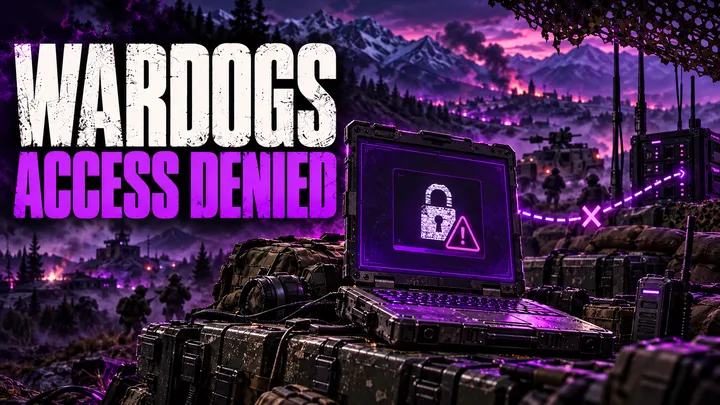
You launch WARDOGS, wait through a queue, and get Access Denied instead of a match.
The message looks the same every time. The cause behind it usually is not.
Since the September 10, 2026 Early Access launch, WARDOGS has produced Access Denied from at least four different faults: a version mismatch, a login backend that refuses sessions in batches, an incorrectly issued ban, and a newer pattern tied to being kicked mid-match. This guide breaks down which one you are looking at and what actually fixes it.
Table of Contents
Find Your Exact Error Code First
Read the exact wording on screen before you change anything.
The number attached to the message tells you which fault you are dealing with. Do not skip this step - the fix for a version mismatch does nothing for a login refusal, and the fix for a login refusal does nothing for a ban.
| Code | What It Usually Means | Still Relevant Post-Launch? |
|---|---|---|
| 1147405308 | Authentication failure - a version mismatch during the beta, a login backend refusal since launch | Yes |
| 1147405307 | Ban notice, shown with “Reason: Cheating” and “Time Left: Permanent” | Yes |
| 1147405309 | Limited Access Mode - no active beta or playtest grant | Legacy, from pre-launch betas |
| No code, just “Failed to authenticate with online services” | Login service overloaded or down | Yes |
BULKHEAD, the developer, has not published an official definition for these numeric codes. What is in this table comes from community testing during the beta and player reports since launch, cross-checked against Bulkhead’s own posts on the official WARDOGS Steam discussion board. Treat the code as a starting point for diagnosis, not a guaranteed label.
Fix: Version Mismatch (Verify Your Files)
This was the single most common cause of 1147405308 during the August Closed Beta.
Your client is out of date relative to what the login server expects. Steam usually catches this automatically, but a client that started launching before an update finished downloading can slip through.
How to fix it:
- Fully close WARDOGS and Steam.
- Right-click WARDOGS in your Steam library.
- Go to Properties → Installed Files → Verify integrity of game files.
- Let Steam download or repair anything it flags.
- Restart Steam completely, then relaunch WARDOGS.
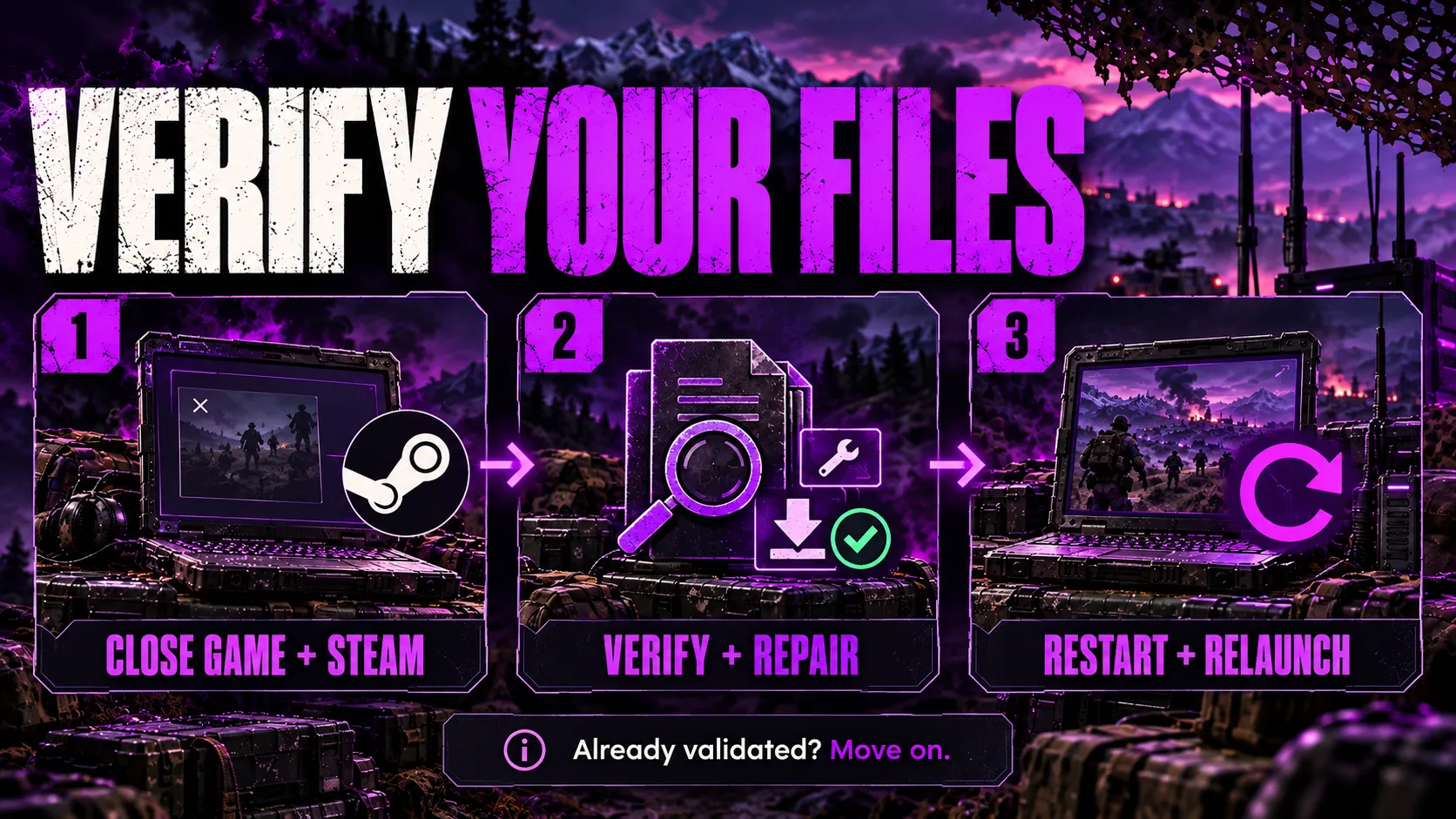
If Steam reports that every file is already validated, this is not your problem. Move to the next section instead of running the check again - a second or third verification will not find anything new.
Fix: Login Backend Refusing You After the Queue
This is the pattern that showed up on launch night, September 10, and it looks identical to a version mismatch on screen.
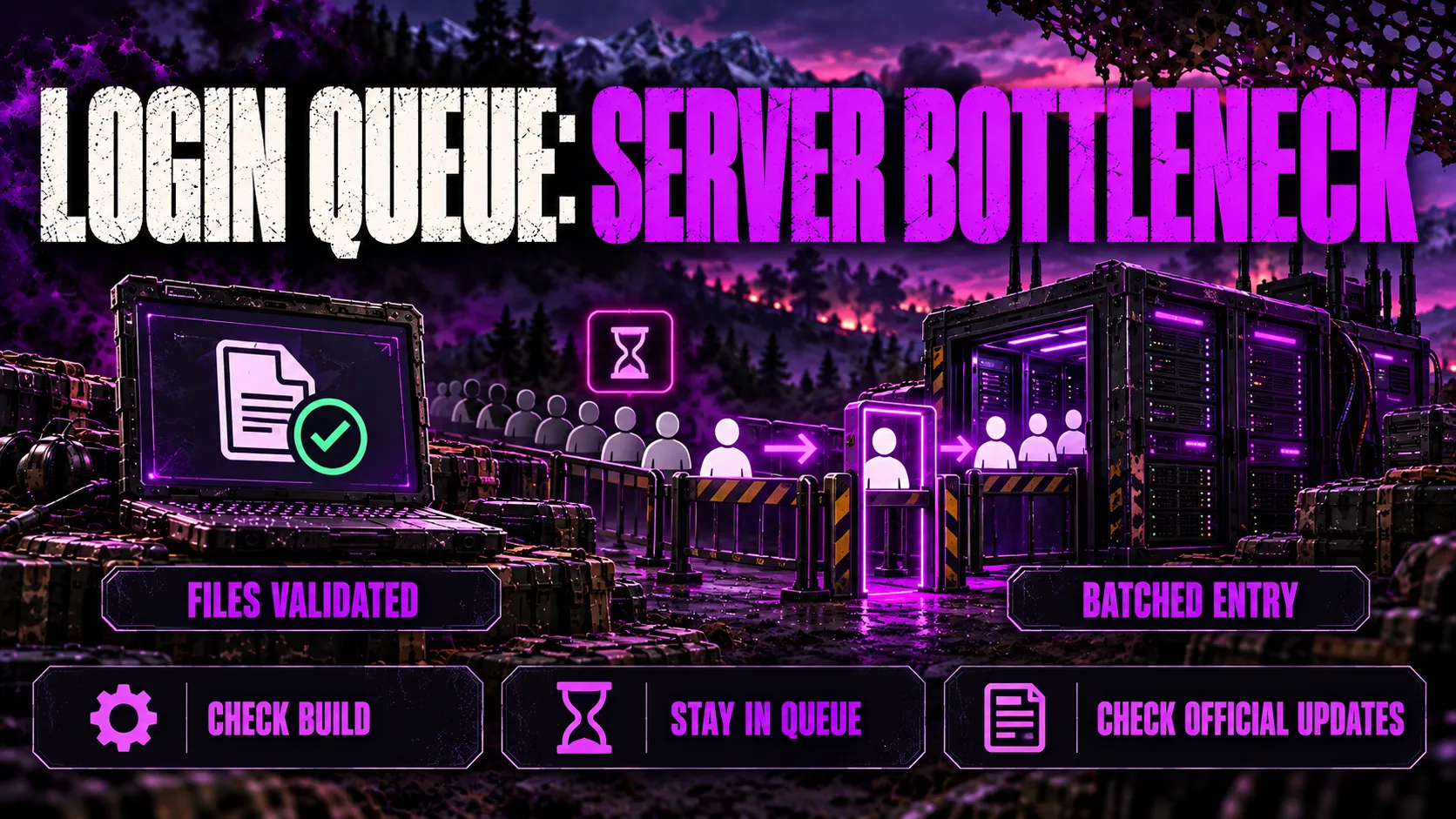
Bulkhead shipped Launch Stability Hotfix #1 at 20:20 UTC on September 10 to address players unable to join servers, players being unexpectedly kicked mid-session, and extended login queue times. According to the official patch announcement on Steam, the hotfix forced everyone back into a fresh login queue so the team could readmit players in controlled batches while monitoring server stability.
The catch: some players who had already installed the hotfix, with every file verified, still hit 1147405308 at the front of the queue. That is not a version problem. That is the login backend metering how many sessions it lets through at once, and no local repair changes it.
What actually helps here:
- Confirm you are on the current build before you assume it is a mismatch (Steam library → WARDOGS → Properties → Installed Files shows your Build ID).
- If your files are already validated, stay in the queue instead of re-verifying. Re-verifying does not move you up and does not fix a backend refusal.
- Check the official WARDOGS Steam discussion board for the current server status before assuming the fault is local. On launch night, Bulkhead posted live updates as it worked through the backlog, including a note that over 135,000 players had been let through in waves.
Bulkhead’s own community lead described the launch queue problem candidly in comments reported by GameSpot, saying the queue itself was not specifically broken, but that WARDOGS had not been built with the kind of rate-limiting infrastructure a bigger studio would have going into a launch of this size.
Fix: Kicked Mid-Match, Then Locked Out
A newer pattern has been reported since September 11: players get kicked out of an active match, land back on the main menu, and then get stuck on “Logging in” before failing authentication entirely.
This is separate from the launch-night queue issue. It happens to accounts that were already in a match and already fully authenticated minutes earlier.
What to try, in order:
- Relaunch the game. Player reports describe this taking several attempts before one succeeds - frustrating, but it is the only thing that has consistently worked.
- Check whether a VPN or a manually configured proxy is active on your connection, and try toggling it. Results have been inconsistent: some players clear the error by removing a proxy, others only get through with a VPN active, and some see no change either way regardless of region.
- Avoid repeated full reinstalls. Player reports and the official channel both treat this as a server-side authentication fault, not a corrupted install, so reinstalling wastes time without addressing the cause.
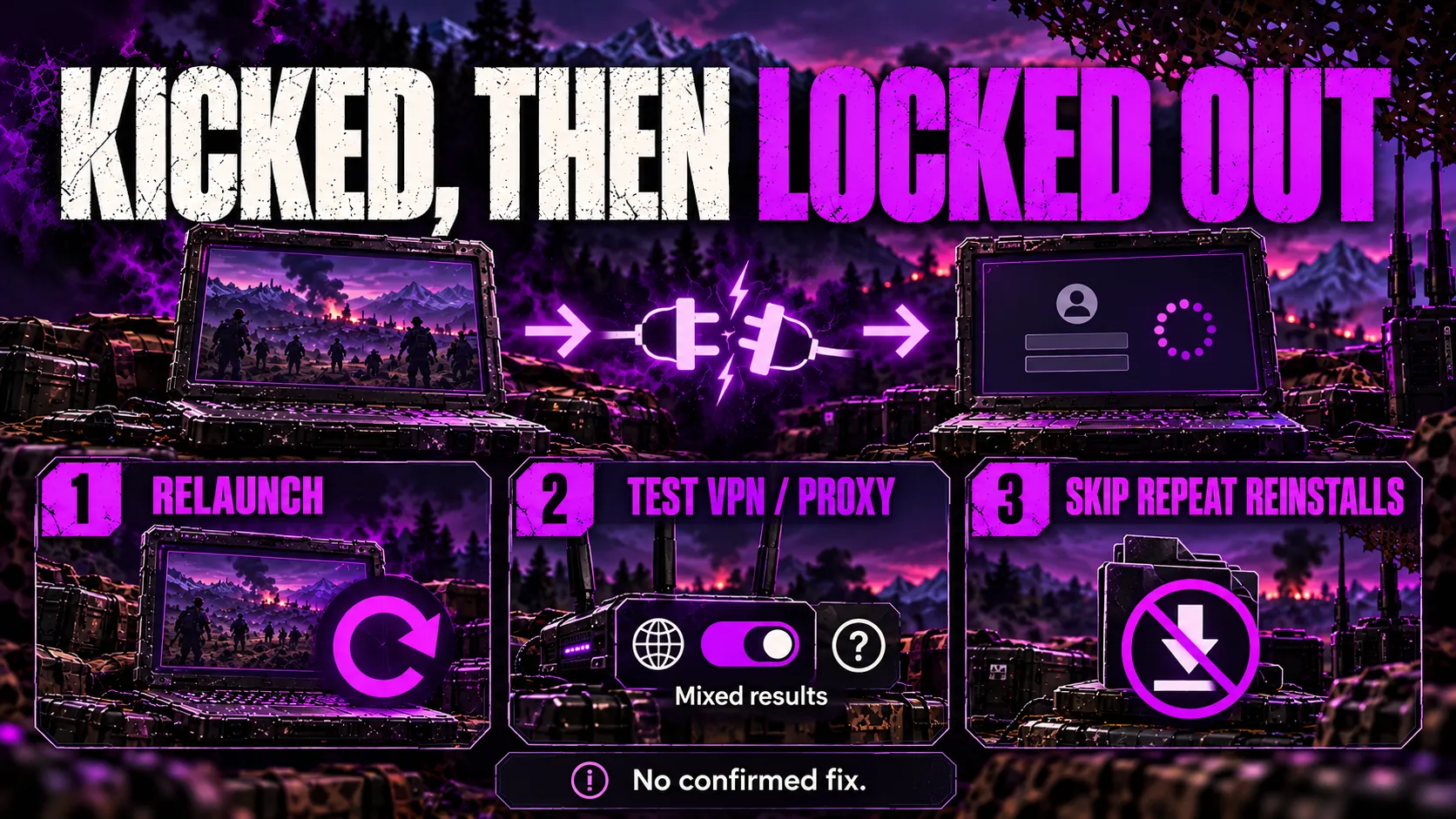
Bulkhead has not named this specific mid-match-kick pattern in an official patch note as of this writing. Treat it as an open, unresolved issue rather than something with a confirmed developer-side fix.
Fix: Ban Message (Real Ban vs. Incorrect Ban)
Not every Access Denied screen is a connection problem. Some are ban notices, and here it matters a lot whether the ban is real.
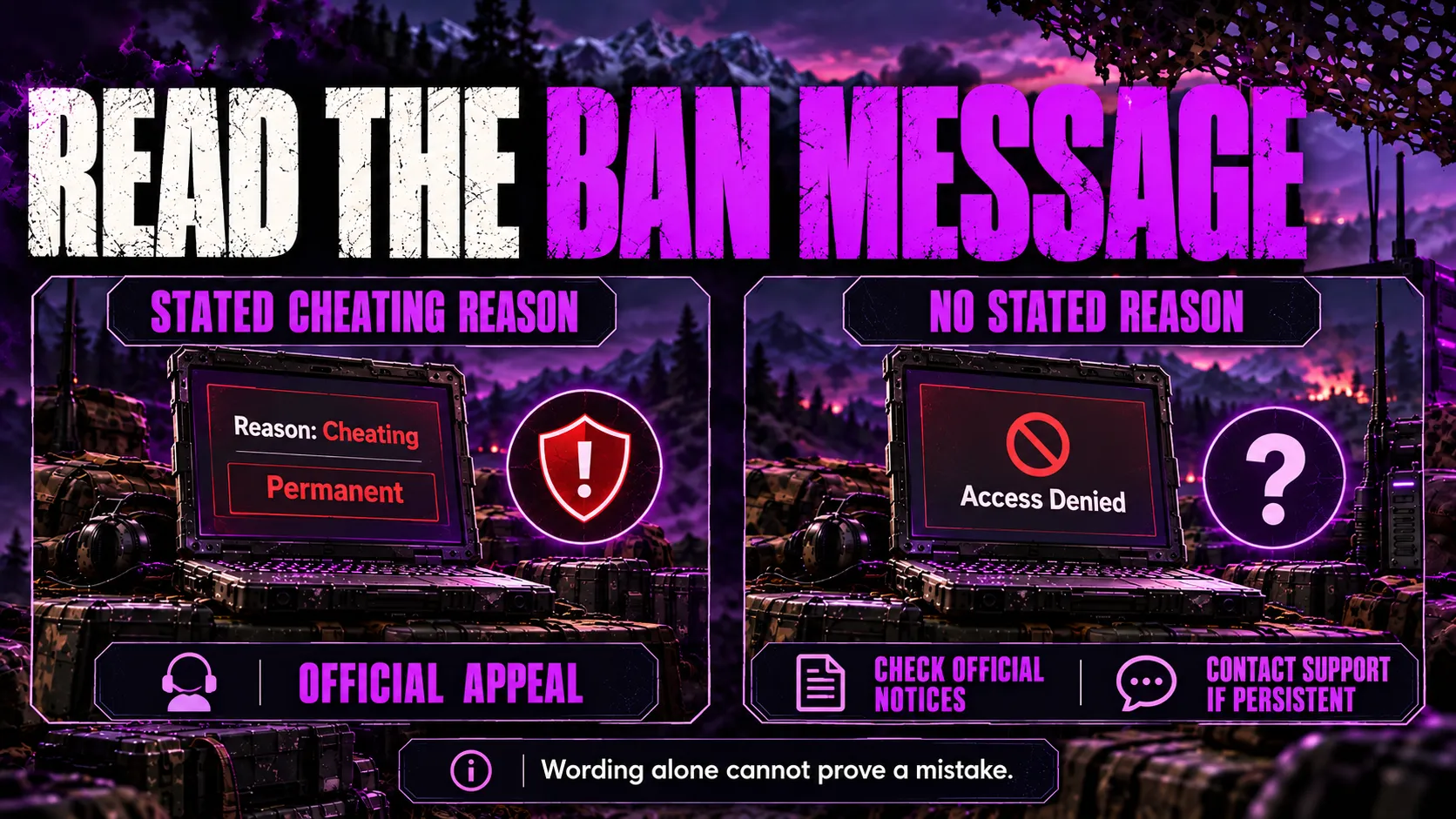
A real ban shows a specific reason, formatted like:
ACCESS DENIED - ERROR CODE: 1147405307 Reason: Cheating Time Left: Permanent
If you see wording like this, it is an anti-cheat action. Do not use third-party “unban” tools or attempt to bypass it - both actions put your account at further risk and weaken any appeal you file. Use the official WARDOGS support or anti-cheat appeal channel.
An incorrect ban looks different: often just “Access Denied” or “No License Found,” with no reason listed, appearing right after a purchase or a server-join attempt.
On launch day, Team17’s community lead G_Medlin posted on the official, pinned Steam discussion thread titled “INCORRECT BANS,” confirming the team was aware some players were being flagged in error and was working to resolve it. Multiple affected players reported being unbanned without filing a ticket or an appeal. You can read the original pinned thread here.
If you hit an unexplained ban with no stated reason:
- Wait and try relaunching before doing anything else. If it was an incorrect flag, it may already have cleared server-side.
- Check the official Steam discussion board for any current incorrect-ban notice matching your symptoms.
- If the message persists for more than a day, that is the point to open a support ticket - not before, since the review queue for tickets has been longer than the time it took Bulkhead to reverse the initial batch of mistaken bans.
Check This Before You Troubleshoot Anything
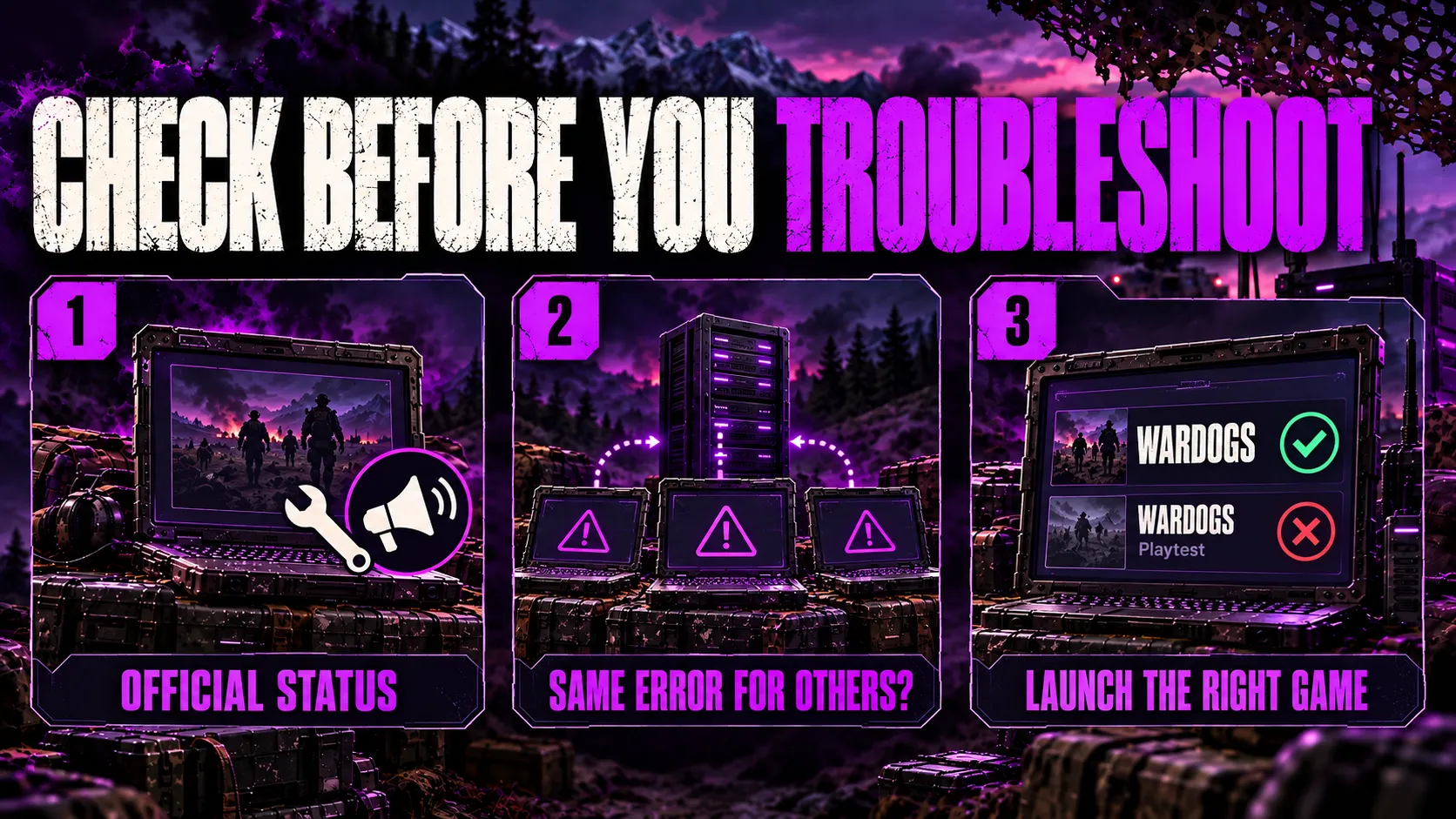
Before you spend time on any fix above, rule out the simplest explanation: the servers themselves might be the problem, and nothing on your end will change that.
- Check the official WARDOGS Steam discussion board and the game’s Steam news page for a current outage or maintenance notice.
- Look at how many other players are reporting the exact same code around the same time. A code that a large number of people are hitting simultaneously points to a server-side or backend cause, not something specific to your PC.
- Confirm you are launching WARDOGS and not a leftover WARDOGS Playtest entry from the beta period, which some players had installed separately in their Steam library and mistakenly tried to relaunch after Early Access went live.
What Not to Do
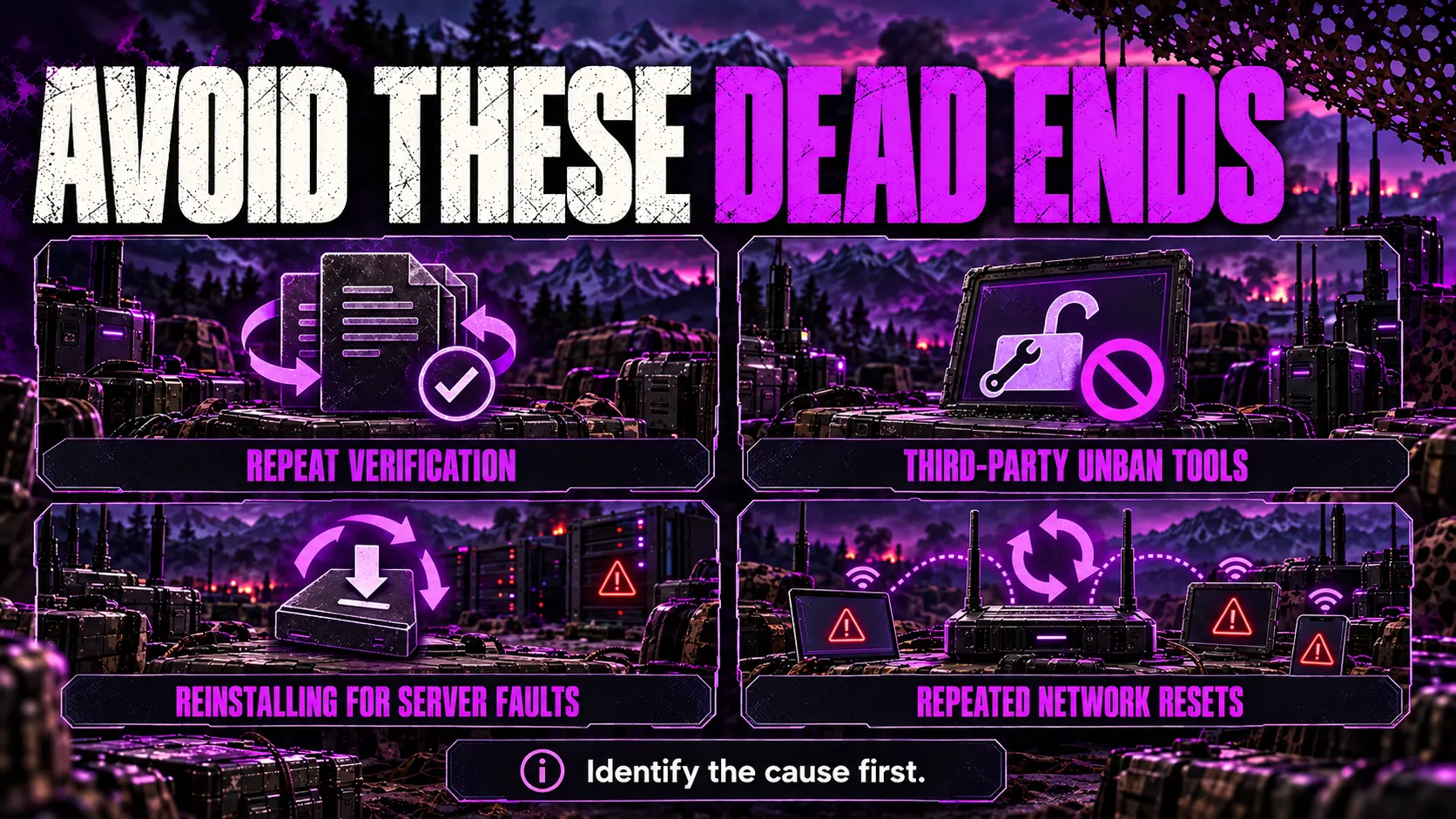
A few things that repeated player reports show do not help, and can waste your time or make things worse:
- Do not verify game files repeatedly once Steam already confirms every file is validated. It will not find anything new the second or third time.
- Do not use third-party unban tools, cheat-adjacent “fix” utilities, or account-sharing workarounds to get past a ban message. These create real account-security risk and can turn a reversible mistake into a permanent one.
- Do not assume a full reinstall will fix a server-side authentication refusal. If the login backend is refusing sessions in batches, or the login service is under load, reinstalling the game changes nothing on the server side.
- Do not repeatedly switch networks or restart your router as a first response to a widespread error. If many players are hitting the same code at the same time, the fault is very unlikely to be your specific connection.
Key Takeaways
- Access Denied in WARDOGS is not one error - identify the exact code first, since the fix differs for a version mismatch, a login backend refusal, an incorrect ban, and a mid-match kick.
- Verifying game files only fixes the version-mismatch case. If your files are already validated, that is not your problem.
- The September 10 Launch Stability Hotfix addressed join failures, mid-session kicks, and long queues, but some fully updated players still hit 1147405308 while the backend readmitted the backlog in batches.
- A ban message with “Reason: Cheating” is a real anti-cheat action. A bare “Access Denied” or “No License Found” message has, in the past, matched a pattern of incorrectly issued bans that Bulkhead reversed on its own.
- A newer mid-match-kick-then-lockout pattern has been reported since September 11 and does not yet have a confirmed developer fix - relaunching repeatedly is the only thing that has worked so far.
- Check the official Steam discussion board before troubleshooting locally. A widespread, simultaneous error is a server problem, not a you problem.
FAQ
What does Access Denied mean in WARDOGS?
It means the login service would not let your session through. The exact cause depends on the error code on screen: a numeric code usually points to a version mismatch, a login backend refusal, or a ban, while no code at all usually means the authentication service is overloaded.
What is WARDOGS error code 1147405308?
It is an authentication failure. During the August beta it was mostly a build mismatch that a file verification fixed. Since the September 10 Early Access launch it has also appeared on fully updated accounts, which points to the login backend refusing sessions rather than a local file problem.
What is WARDOGS error code 1147405307?
It is a ban notice tied to a cheating flag, shown with the label Reason: Cheating and Time Left: Permanent. Treat it as a real ban unless you have another reason to believe it was issued by mistake, and use the official appeal channel rather than any third-party unban tool.
What is WARDOGS error code 1147405309?
During the pre-launch beta periods, this code showed up alongside a Limited Access Mode message, meaning the account did not have an active playtest or beta grant. It should no longer apply now that Early Access has launched and access is tied to owning the game.
Why did I get banned right after buying WARDOGS?
On launch day, Team17’s community lead confirmed on the official Steam discussion board that a batch of accounts was being incorrectly flagged, tied to old test-build permissions. Those bans were reversed without players needing to file anything, so relaunching the game before opening a support ticket is worth trying first.
Does verifying game files fix Access Denied in WARDOGS?
It fixes the version mismatch case, which was the common cause during the beta. It does not fix a login backend refusal, an incorrect ban, or the post-launch mid-match kick pattern, so if a fresh verification finds nothing to repair, the fix is elsewhere.
Is WARDOGS Access Denied still happening after the September 10 launch?
Reports have continued past the Launch Stability Hotfix, including a version tied to being kicked mid-match. Check the official WARDOGS Steam discussion board for the current status before assuming the problem is on your end.
Should I use a VPN to fix WARDOGS Access Denied?
Only as a last-resort test, and expect mixed results. Some players have cleared the error after changing their connection route, while others in the same region saw no change at all, so treat it as something to try rather than a dependable fix.
How do I know if my WARDOGS ban is real or a mistake?
Check the exact wording on screen. A message that names Reason: Cheating is a real anti-cheat action. A bare Access Denied or No License Found message with no stated reason has, in the past, matched the pattern of incorrectly issued bans that Bulkhead reversed on its own.
What should I do if none of the fixes work?
Confirm the exact error code and message wording, check the official WARDOGS Steam discussion board for a matching current report, and if it looks account-specific rather than widespread, contact support through the official channel with the code and a timestamp.